
WinZip has been a trusted file compression utility for decades, providing users with a convenient way to compress, encrypt, and share files. While WinZip's default settings are suitable for most users, delving into its customization options can help you optimize your file compression experience. In this article, we will explore WinZip's settings in greater detail, discussing how to leverage them to achieve the best possible compression outcomes.
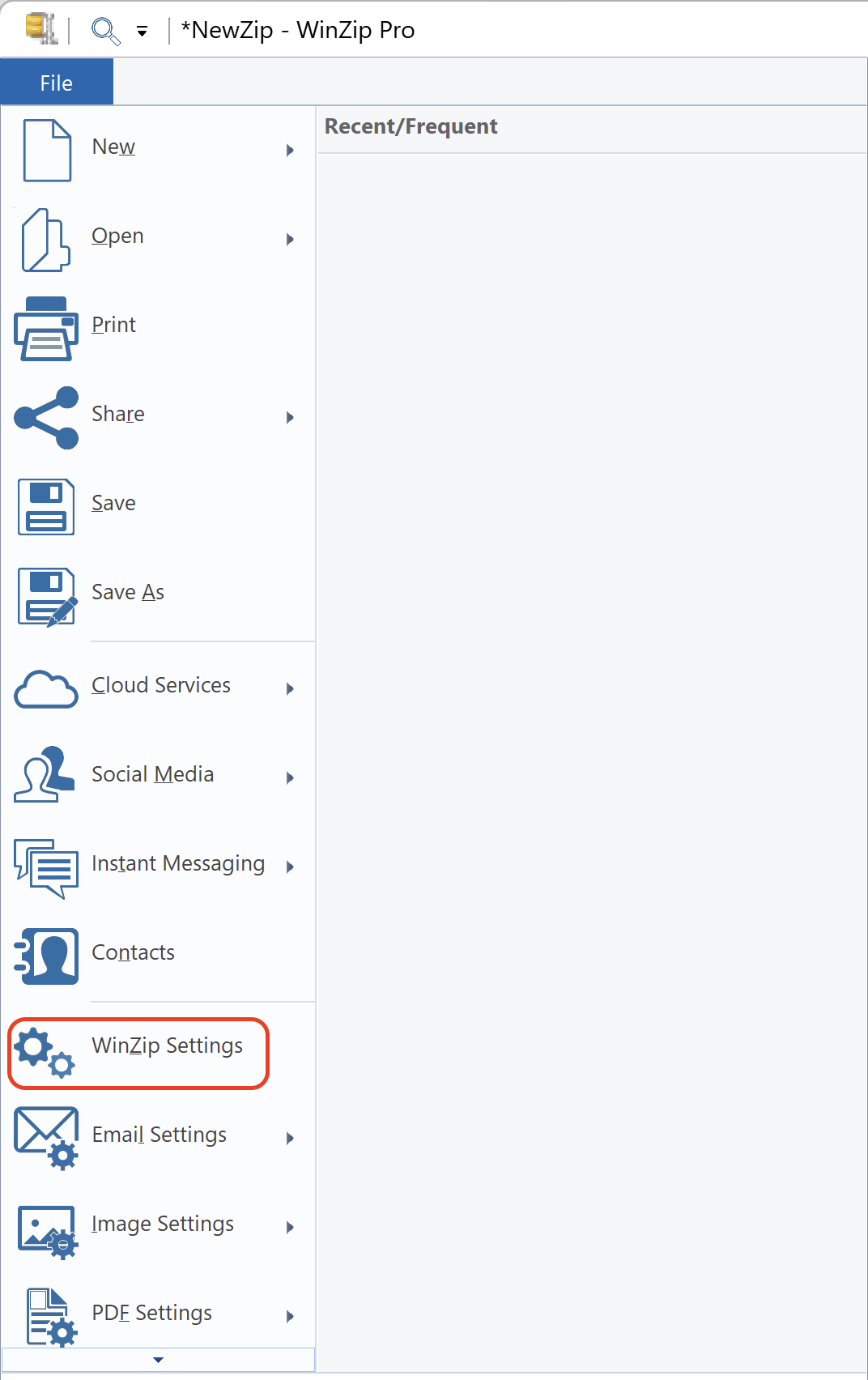
In order to get to WinZip Settings, you just need to click on File > WinZip Settings.
General tab
In this tab, you will have access to WinZip Basic preferences, WinZip jobs and cloud settings.
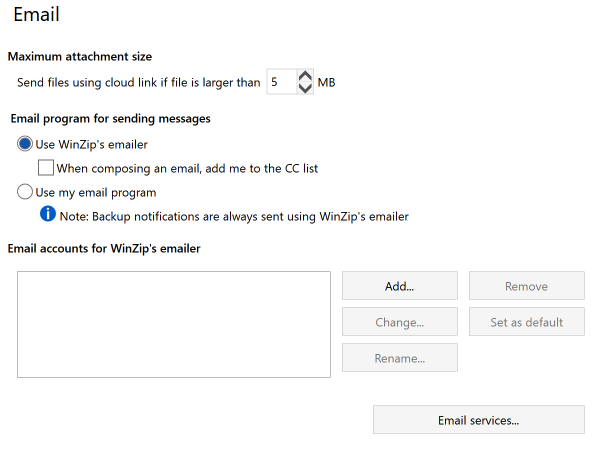
Email tab
Here you will be able to customize the maximum attachment size and choose the Email program for sending messages.
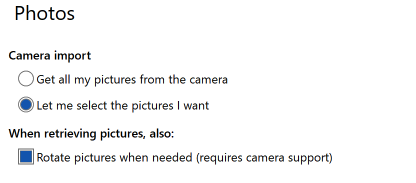
Photos tab
Under this tab, you may choose your camera import setting.
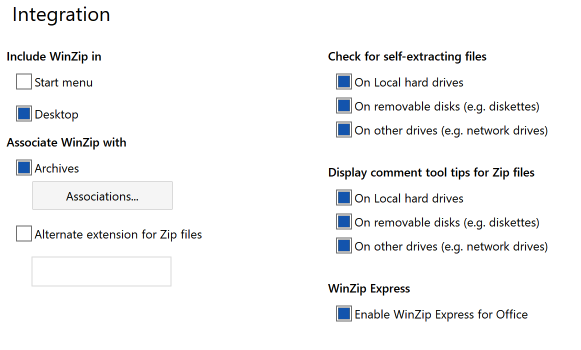
Integration tab
On the Integration tab, you have the option to include WinZip in the Start Menu or Desktop and choose the file associations type. You may check for self-extracting files and much more.
Explorer tab
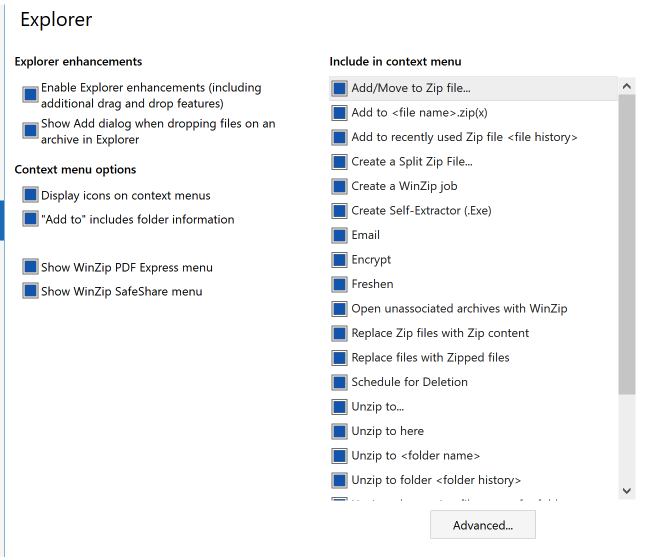
Under the Explorer tab, you can customize the context menu.
Updates tab
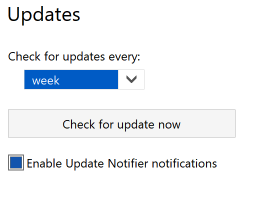
Here, you can choose at what interval WinZip will check for updates.
Folders tab
Encryption tab
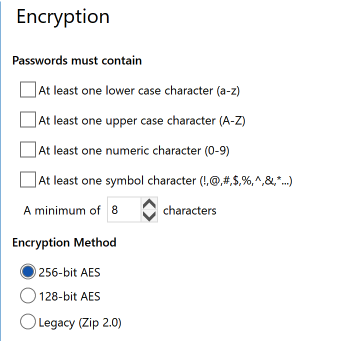
If you frequently use WinZip to encrypt sensitive files, it is crucial to establish a robust password policy. Enable password complexity requirements, such as minimum length, character variety, and strength indicators, to ensure the security of your compressed files. Moreover, you can choose the encryption method to be use when zipping files.
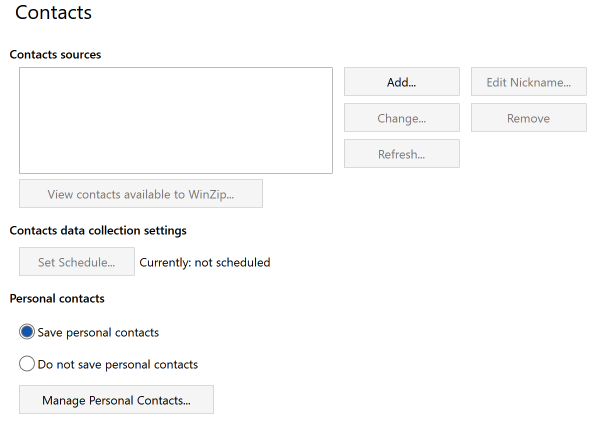
Contacts tab
Advanced tab
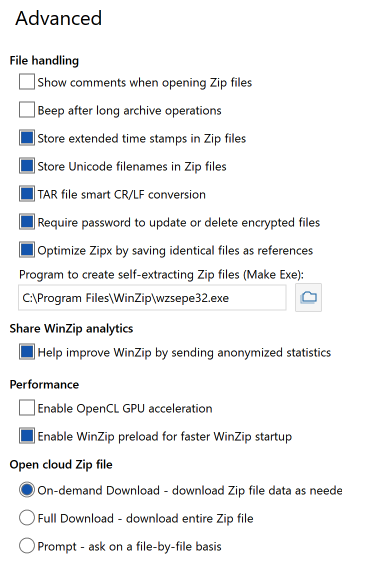
Under the Advanced tab, you will get the options to customize how files will be handled, sharing WinZip analytics and performance.
Was this article helpful?
Tell us how we can improve it.