
A Zipx file (.zipx) is a Zip file in which WinZip has used one or more of its available advanced compression methods. The .zipx extension makes it clear that the file was created using an advanced compression method. This helps if you plan to share highly compressed files with others.
Best method compression is the default for creating Zipx files. When using the best method, WinZip will create its smallest Zip files. Best method allows WinZip to choose a compression method for each file type, which will usually provide the best result.
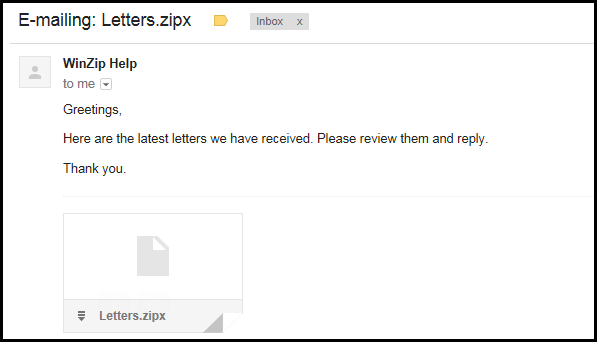
The .zipx extension quickly and easily conveys that WinZip, or another compatible compression utility, will be required to open the file. The advanced compression methods used in Zipx files are extensions to the original, open source Zip file format. The particular ones available in WinZip are:
- BZip
- LZMA
- PPMd
- XZ*
- MP3^**
- Jpeg**
- Wavpack**
*XZ uses LZMA2 compression and is only available with WinZip 18 or later.
^MP3 compression is only available with WinZip 21 or later.
**MP3, Jpeg, and WavPack are not available to be manually selected. When Best method compression is being used, WinZip will apply these compression methods whenever you are zipping the file types appropriate for their use.
Of course, you can still choose to create .zip files, which are compatible with most utilities. If you are zipping files using the context menu or using a WinZip Express add-on, you can set the compression method on a case by case basis. Otherwise, you can change the default compression method before creating your Zip file.
Was this article helpful?
Tell us how we can improve it.